Local AI observability
Which tool
call failed?
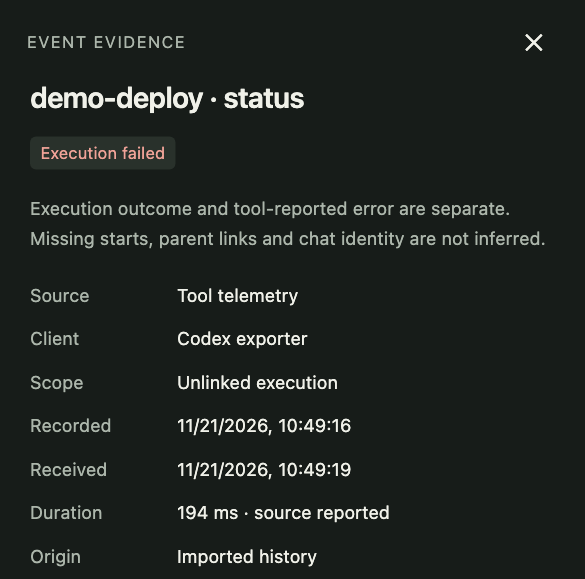
Follow Codex tool results alongside desktop events and MCP logs. Open a call to see which tool ran, what it reported, and how long it took.
AI Activity and MCP diagnostics ship in Tell-Tail 0.5.0.
AI Activity
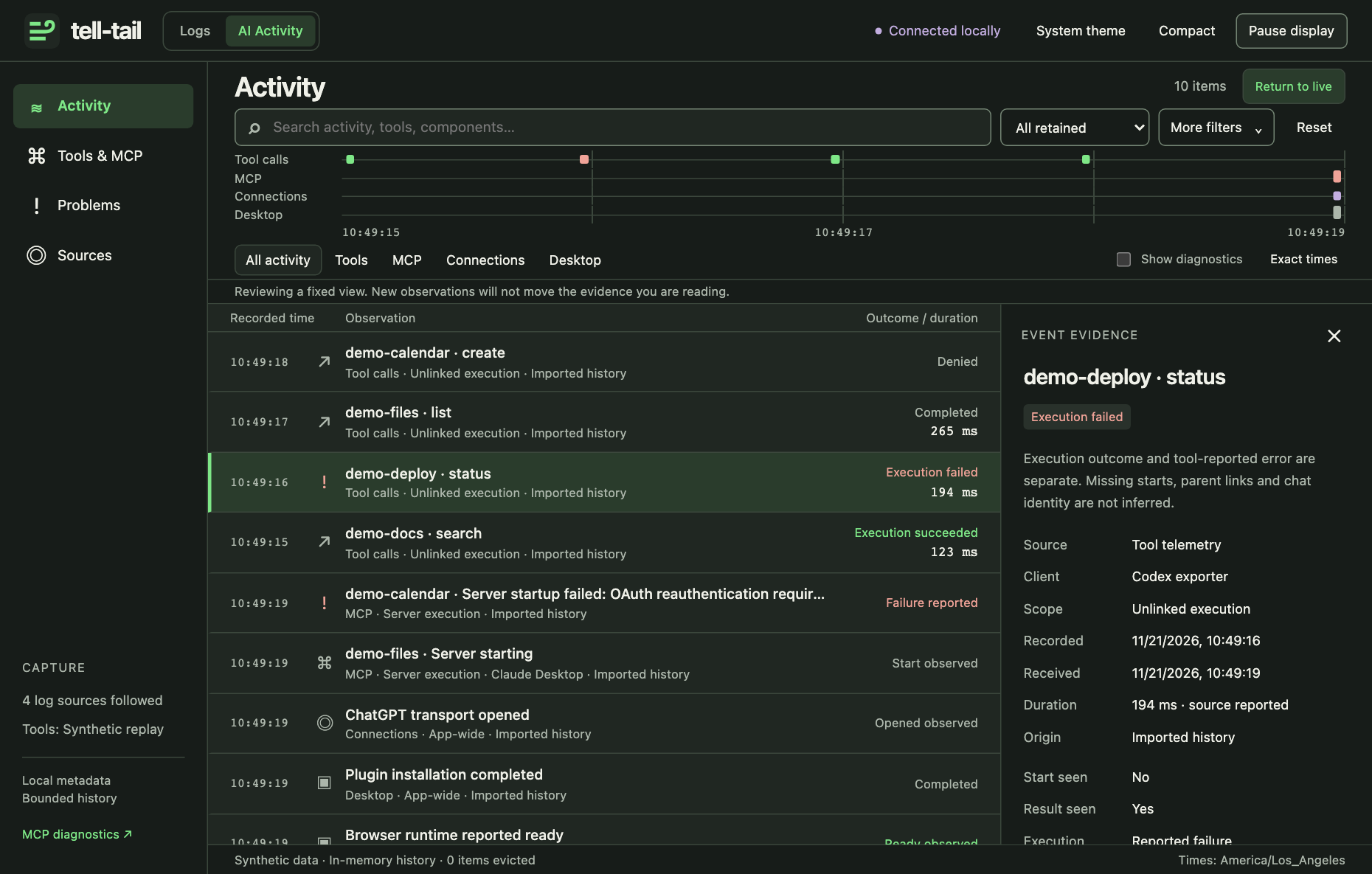
See the call in context.
Filter the timeline by tool, server, or connection. Select a result to hold the timeline steady while new events arrive. Live tool results come from the opt-in Codex exporter.
Try the AI Activity demo
Install Tell-Tail and run the demo with synthetic events. To inspect your own commands and failure output, enable local call inspection separately.
tell-tail desktop --demo --openMCP diagnostics · Released in v0.4.0
Did the server recover?
In this demo, the calendar server needed a fresh sign-in. Later, the same execution reported ready. Tell-Tail shows both observations together.
Watch existing Codex Desktop and Claude Desktop MCP logs on macOS, or try the synthetic demo on macOS or Linux.
Install and run the MCP demo
brew install ding-labs/tap/tell-tail
tell-tail mcp --demo --open
For your own desktop logs, run tell-tail mcp --open.
Codex desktop plugin
On an Apple Silicon Mac, open the Tell-Tail listing in Codex. On your first visit, copy the catalog name before opening the app.
zuchka/tell-tail-plugins
In Plugins, choose Add → Add a marketplace, paste the name, and click Add marketplace. Codex opens the catalog. Choose Tell-Tail → Install. If you’ve already added the catalog, the button opens the listing directly.
Open a new local Codex chat and ask “Open my Codex logs.” The dashboard follows supported desktop logs immediately.
For ongoing tool-call tracing, ask “Set up persistent tool-call tracing,” approve setup, and restart Codex once.
Plugin catalog on GitHub ↗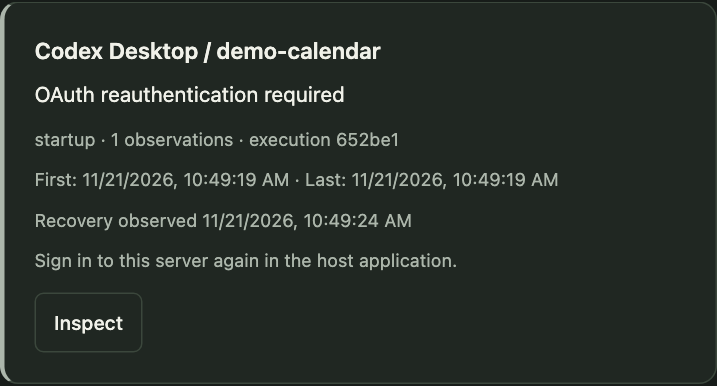
Application logs
Tail the rest of your stack.
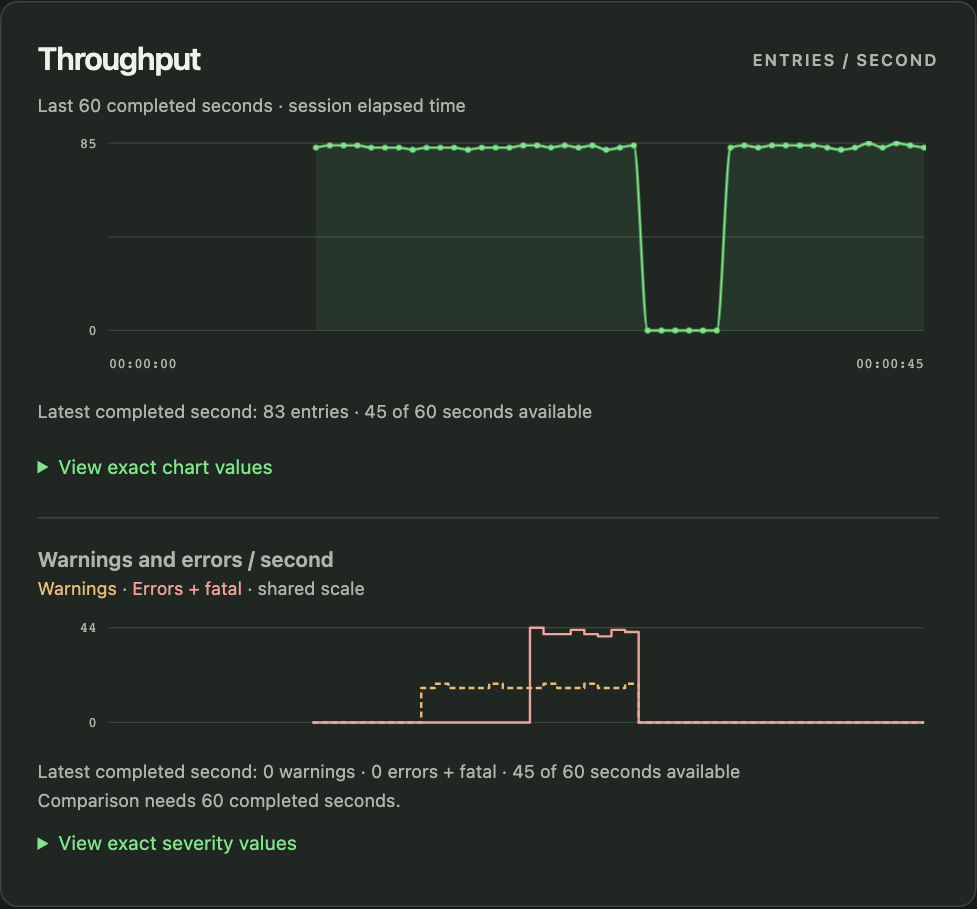
Tell-Tail is an open-source Rust binary. Follow a service log or pipe in a worker’s output to see throughput, warnings, and recent errors in your terminal or browser.
tell-tail service.log